

How UPI works behind the scenes when you scan and pay
A UPI payment takes seconds, but it passes through your app, two banks and NPCI's national switch. Knowing the route explains why payments fail and how to get money back.
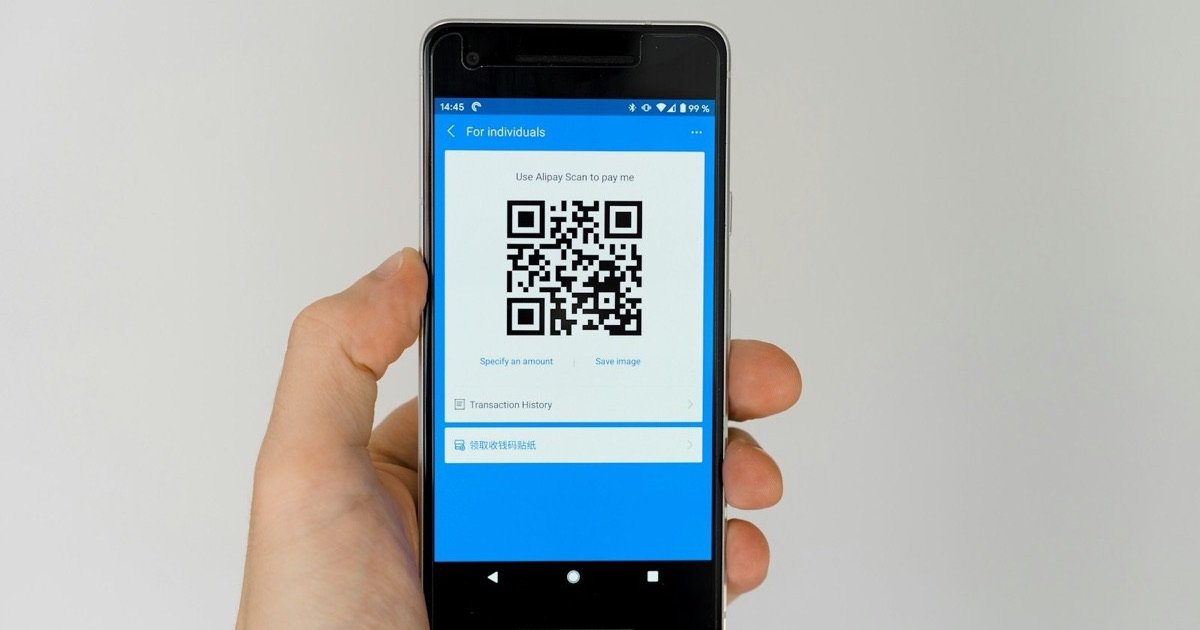
Unified Payments Interface, or UPI, lets you send money from your bank account using a phone number, a QR code or an ID such as name@bank. It was launched in 2016 by the National Payments Corporation of India (NPCI), an organisation set up by banks under the guidance of the Reserve Bank of India.
The pieces involved
- Your UPI app: This could be your bank's own app or a third-party app. Third-party apps work through partner banks, called payment service provider (PSP) banks.
- Your bank (the remitter bank), which holds the account money leaves from.
- The payee's bank (the beneficiary bank), which receives the money.
- NPCI's UPI switch, the central system that routes every request between banks.
What happens when you pay
- You scan a QR code or enter a UPI ID. The app shows the payee's registered name so you can confirm who you are paying.
- You enter the amount and your UPI PIN. The PIN is encrypted on your phone and is never shared with the merchant or the app company.
- The app sends the request through its PSP bank to the NPCI switch.
- NPCI looks up which bank and account the payee's UPI ID points to and sends a debit request to your bank.
- Your bank checks your PIN and balance and debits your account.
- NPCI sends a credit request to the payee's bank, which credits the payee.
- Both of you get a confirmation, usually within seconds.
Behind the scenes, banks settle the net amounts they owe each other through accounts with the RBI several times a day. Customers see the money move instantly because their banks credit and debit accounts in real time and settle among themselves later.
Collect requests versus payments
There are two ways money moves on UPI. In a push payment, you start the transaction and send money. In a collect request, someone asks you for money and you approve it by entering your PIN.
This is the single most important thing to understand for safety: you never need to enter your UPI PIN to receive money. If someone asks you to "enter your PIN to receive a refund" or scan a QR code to get paid, it is a scam.
UPI Lite and UPI on credit
UPI Lite is a small on-device wallet for low-value payments that work without entering a PIN each time, which reduces load on bank systems. RuPay credit cards can also be linked to UPI, letting users pay merchants from a credit line instead of a savings account.
How much can you send?
NPCI sets a general limit of ₹1 lakh per transaction for most UPI payments. Some categories have higher limits: for example, payments to hospitals and educational institutions, and tax payments, can go up to ₹5 lakh per transaction. Your bank or app can set lower limits of its own, and many limit the number of transactions or the total amount per day. New users often face a lower cap for the first 24 hours after registering.
Money debited but not received?
Occasionally a payment fails after the money has left your account. Under RBI rules on failed digital transactions, the money must be reversed automatically, normally by the next working day for UPI. If the bank misses that deadline, it must pay you compensation of ₹100 for each day of delay, without you having to ask for it.
If the money has not come back:
- Raise a complaint in your UPI app, using the transaction ID (UTR number).
- If that does not work, complain to your bank.
- If the bank does not resolve it within 30 days, or you are unhappy with the reply, file a complaint with the RBI Ombudsman at cms.rbi.org.in. It is free.
Sent money to the wrong person?
UPI payments cannot simply be cancelled. If you paid the wrong UPI ID, contact your bank immediately and raise a dispute in the app. The bank can contact the recipient's bank, but getting the money back depends on the recipient's consent. That is why checking the name shown before you enter your PIN matters so much.
What a UPI ID looks like
A UPI ID, also called a virtual payment address, usually looks like name@bankhandle, for example a phone number or chosen name followed by a handle that identifies the app's partner bank. It hides your account number and IFSC, which is why it is safer to share than bank details.
Staying safe
- Check the payee name shown in the app before you enter your PIN.
- Never share your PIN or OTP with anyone, including people claiming to be from your bank or the app.
- Ignore unknown collect requests.
- Install apps only from official app stores.
- If you are defrauded, call the national cyber fraud helpline 1930 as quickly as possible, report it at cybercrime.gov.in, and inform your bank. Fast reporting improves the chance of freezing the money.
Sources
Spotted an error? Write to dileep@zentixservices.com. Read our corrections policy.